> cat blog/change-a-qr-code-after-printing.md
Can you change a QR code after it's printed? (Yes, if it's dynamic)
· 1 min read
A normal QR code stores its link inside the pattern itself. Once it's printed, that link can't change: if the page moves or the menu changes, the sticker or shirt has to be reprinted. A dynamic QR code stores a short address instead, and that address forwards people wherever you choose. The print stays the same; the destination can change as often as you like.
How ours work
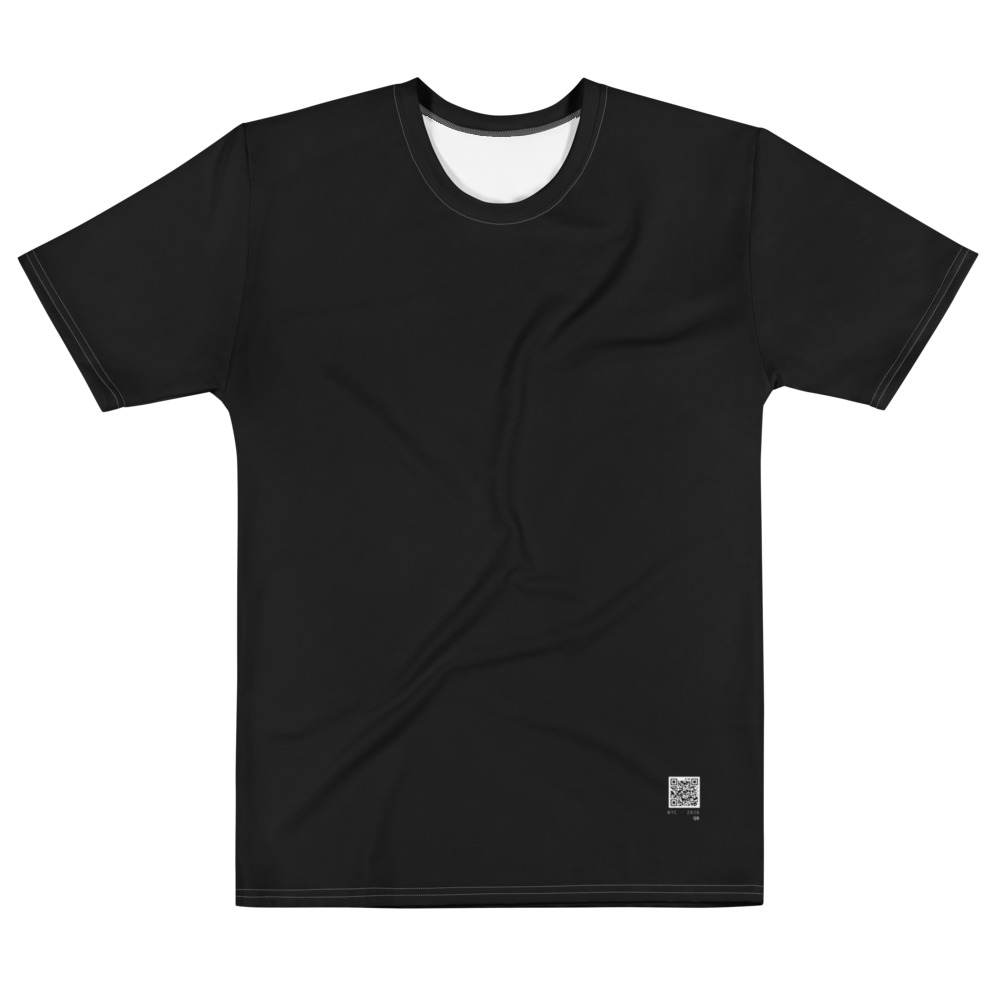
Every shirt and sticker from us has its own numbered code, like 305-045 or S-000045. It opens that code's page on our site, and you set what the page does from your dashboard: send people to one link, show pay buttons, a contact card or a page of links.
Change many at once, or on a schedule
- Group codes (all the table stickers, all the staff shirts) and change a whole group in one go.
- Schedule a rule: weekdays 11 to 3 go to the lunch menu, after 5 to the dinner menu.
- Run something for a set time: a weekend sale that switches back by itself on Monday.
- Smart links on Pro: iPhones and Androids to different app stores, an A/B test, or an offer for the first 50 scans.
What it costs
The dashboard is free for up to 10 codes. Pro ($5 a month) removes the limits and adds smart links and longer reports; Team ($25 a month) adds teammates with approvals. The codes themselves come with any shirt or sticker.
Is a changeable code safe to scan?
Codes can only point at known sites or websites that Google Safe Browsing checks as safe, both when you set them and every day after. Anyone who scans can report a code, and a reported code goes back to a random safe page until its owner sets it up again.